






KPI System for Business: Automated Metrics, Reporting and Analytics
Replace scattered spreadsheets with a single KPI system for your company, where every metric is calculated on one shared methodology, updates automatically and appears in a real-time KPI dashboard
Book a diagnostic sessionWhat your business gets from a KPI system
When metrics live in separate spreadsheets and are calculated by hand, every management meeting starts from a different version of the truth. A KPI system for business brings centralised KPI calculation, KPI reporting and KPI analytics into one environment — and every level of management sees the current state of its own metrics.

A single source of data and truth
Every metric is calculated on one methodology, from the same data. Finance, sales and operations stop arguing about whose numbers are right.

KPI dashboard for management
Instead of filing a request with an analyst, a manager opens the KPI dashboard and sees the state of company, department or project metrics in real time — from the headline result down to individual executive KPIs.

Automated KPI reporting
A report that used to take several days of manual work is generated automatically. The team spends its time analysing metrics instead of consolidating them in Excel.

KPI control and monitoring
Deviations from plan surface immediately, not at month end when it is already too late to act on them.

Centralised KPI calculation
Formulas and calculation methodology are defined in the system once and applied identically across every department and level of management.

BI for KPI
Metrics are connected to the company BI system: KPI analytics is built on the same verified data, with no separate, disconnected reporting layer.
Integration with ERP, CRM and BI systems
The KPI system connects to data the company already has — no duplication and no manual transfer of numbers between systems.
6 signs your business needs a KPI system
Companies almost always have metrics. The problem is that everyone calculates them their own way, in their own file, with their own logic.
Report examples in a KPI system
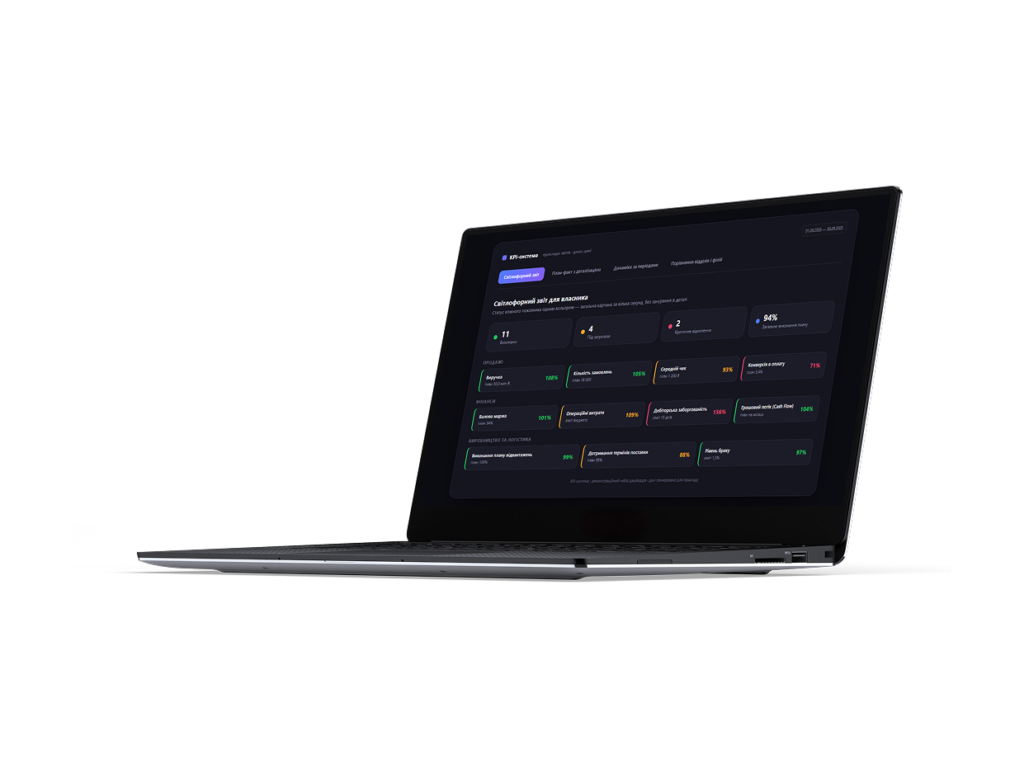
Traffic-light report for the owner
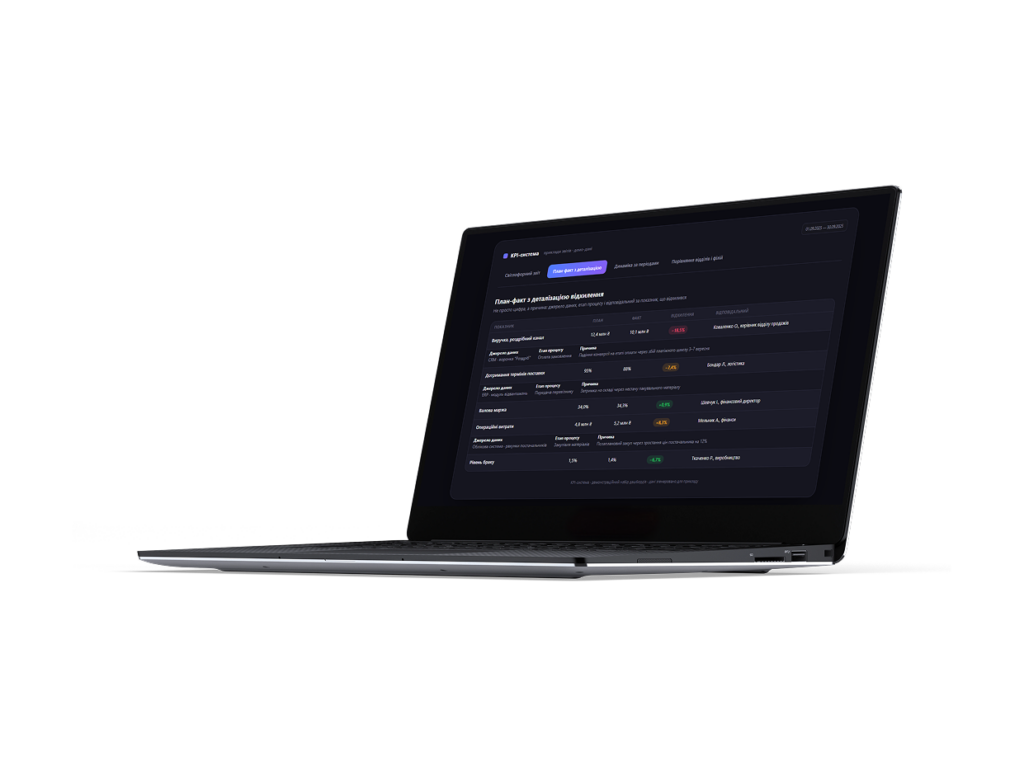
Plan vs. actual with a deviation breakdown
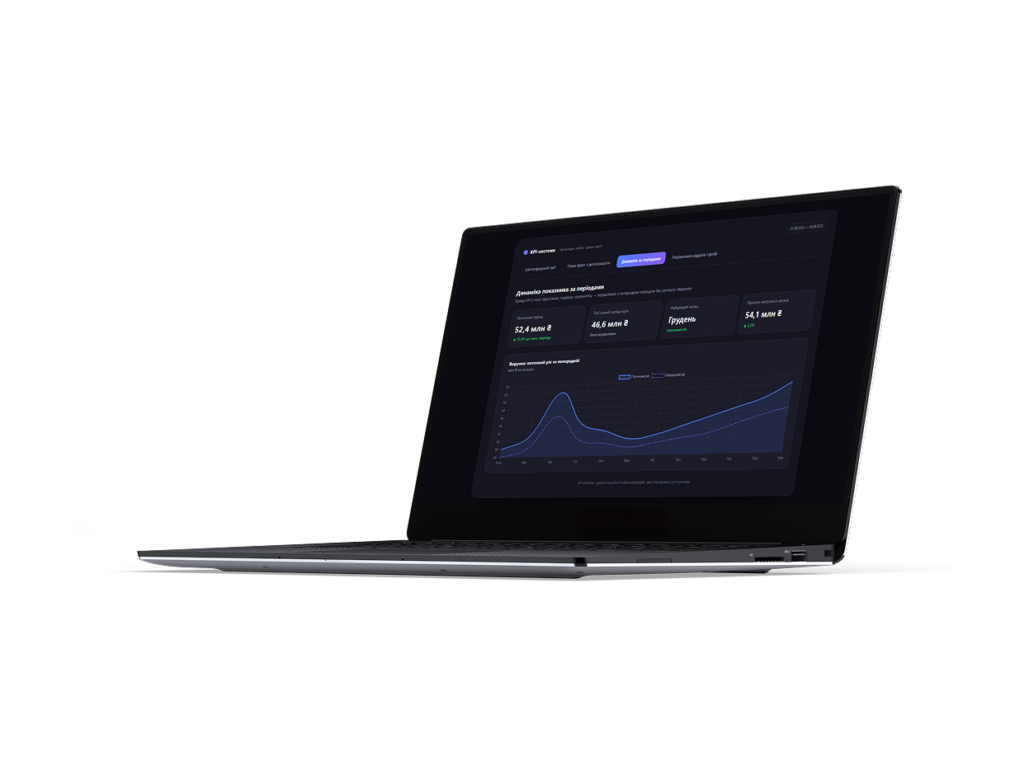
Metric dynamics across periods
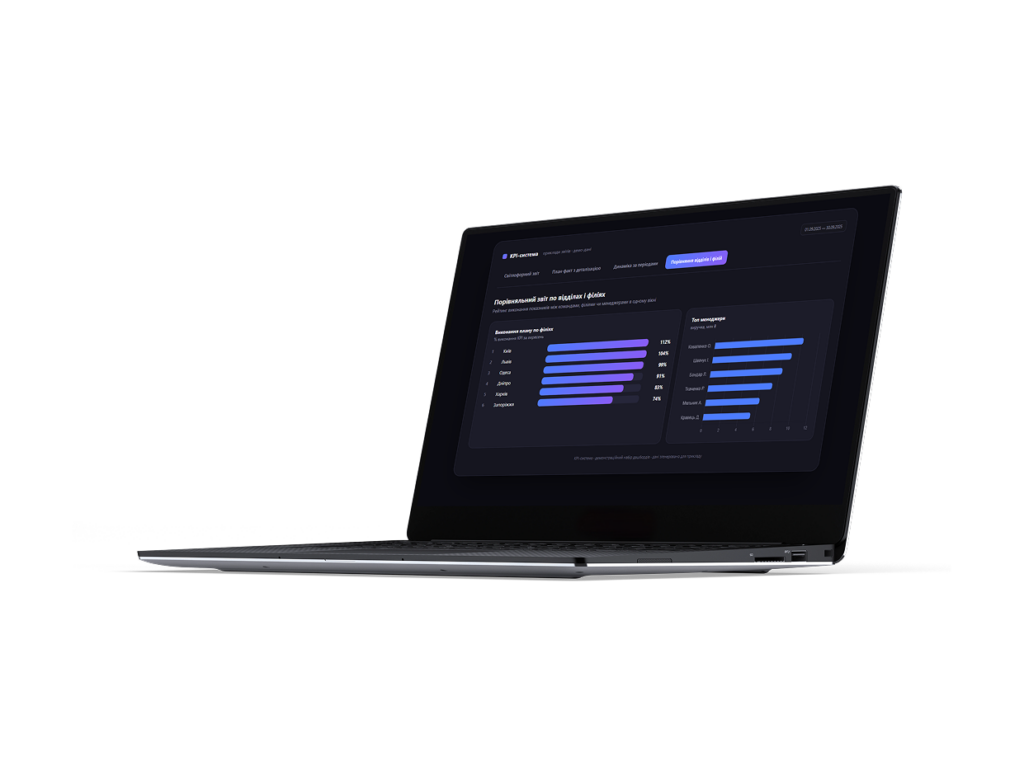
Comparative report across departments and branches
What a KPI system solves
A single KPI framework covers the needs of every level of management: from the day-to-day control of one department to strategic reporting for leadership and business owners.
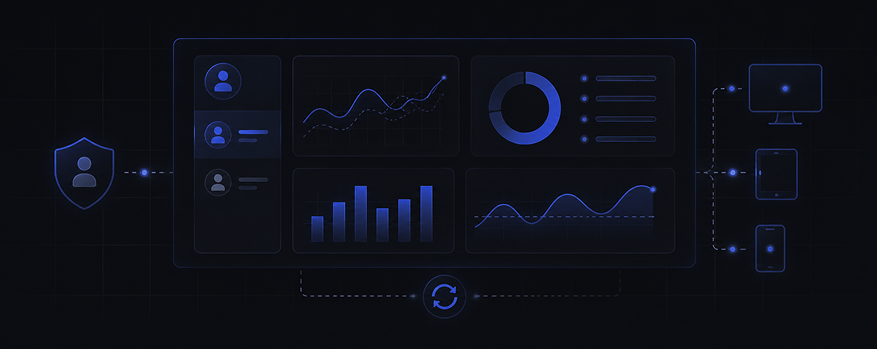
KPI dashboard for managers and teams
Managers and their teams see their metrics in one place — an executive dashboard for leadership or a management dashboard for day-to-day operations — without going through an analyst.
- Role-based access: everyone sees only the KPIs relevant to them.
- Visualised trends and deviations from plan.
- Available on any device, with data refreshed automatically.
Automated KPI reporting without Excel
KPI reporting takes the routine of manual spreadsheet consolidation off the team.
- Reports are generated on a schedule, with no human involvement.
- Metric history is retained and available for period-over-period comparison.
- The reporting format is the same for every department.
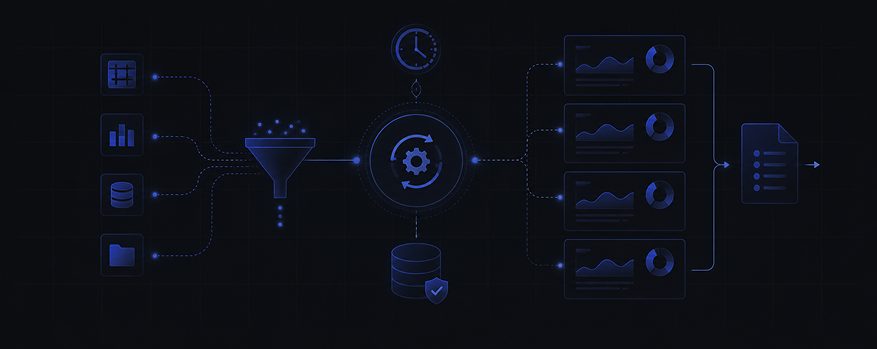
Centralised KPI calculation and a single source of truth
The calculation methodology for each metric is defined once and applies across the entire company.
- KPI formulas live in the system, not in one employee’s head.
- Data is prepared and reconciled through Data Engineering practices, so the numbers agree before they ever reach a report.
- New metrics are added without reworking the logic that already exists.

Integrating KPIs with ERP, CRM and BI systems
The KPI system works with the data a company already holds rather than requiring a duplicate of it.
- Connections to ERP, CRM and accounting systems through ready-made connectors.
- Data flows automatically into the corporate BI system.
- Power BI KPI dashboard: if the company already runs Power BI for KPIs, every KPI in Power BI is built on shared data and one calculation logic, with nothing duplicated.

BI for KPI: analytics, monitoring and metric control
Metrics are part of continuous corporate analytics.
- KPI monitoring and KPI tracking in real time, with no waiting for the period to close.
- KPI control that drills down to the source of the problem.
- KPI management and a change history for analysing how metrics move.

Strategic KPIs and business performance management
The system covers more than operational metrics — it carries the owner’s strategic KPIs too.
- A KPI scoring system for the company’s annual and quarterly goals.
- A performance metrics framework with performance analytics tooling for comparing units, results and reporting periods.
- Business performance management in one environment — for company KPIs at any scale, from a single department to an entire enterprise.

5 steps to implementing a KPI system
Building a KPI system is not only a dashboard. First you have to agree on which metrics matter, how they are calculated and where the data will come from.
Discovery and KPI methodology
We establish which metrics the business genuinely needs at each level of management — from operational tasks to the strategic goals of a digital transformation — and fix a single methodology for calculating them.
Data centralisation (Data Engineering)
We connect the sources — ERP, CRM, accounting and operational systems the KPI system will draw on. At this stage Data Engineering practices bring data from different systems into one format before it ever reaches a calculation.
Building the calculation model
We move the agreed methodology into the system: formulas, the metric hierarchy and the aggregation logic across departments and levels of management.
KPI dashboard development
We build dashboards for specific roles — from a single department’s metrics to strategic reporting for leadership.
Team training and handover
The team receives documentation and training so it can work with the system independently. After launch, new metrics and departments are added without reworking the architecture.
A KPI system is for you if…
You run a company or enterprise with several departments, separate metrics and different data sources
You need a KPI system for the company — from controlling one department to centralised enterprise KPI management
The company’s key performance indicators are scattered across different files and people
KPI reporting is still assembled by hand in Excel
Different departments calculate their metrics differently and the numbers do not match
Management hears about deviations from plan too late
You already run an ERP, CRM or accounting system that needs to be integrated
You are planning a move to Power BI or another BI platform for metric analytics
Frequently asked questions about KPI systems
What is a KPI system?
A KPI system — a KPI management system, a KPI tracking system, or simply KPI governance — is an environment where metrics are calculated on one methodology, update automatically from company data, and are available to every level of management as reports and dashboards.
Why does a business need KPI automation?
Calculating metrics by hand consumes analyst time and introduces the risk of error with every new report. KPI automation frees the team from that routine and guarantees that everyone is looking at the same numbers.
Why is a KPI dashboard better than manual Excel spreadsheets?
A dashboard refreshes automatically and removes the discrepancies between files kept by different departments. Instead of hunting for the current version of a spreadsheet, a manager opens one dashboard with trustworthy data.
Which KPIs can be automated?
Practically any metric that has a data source behind it: financial, operational, sales, production or customer service indicators. We define the list together with you during discovery.
How do you integrate KPIs with ERP, CRM and BI systems?
Connections are made through ready-made connectors to common ERP and CRM systems. Data reaches the KPI system automatically, and if the company already runs Power BI, the dashboards integrate without losing existing work.
How do KPIs differ from OKRs?
KPIs are measurable indicators of current performance, while OKRs are a method for setting ambitious goals with key results. The two are not mutually exclusive: OKRs often rest on the same data as a KPI system.