November 4, 2025

The Divine Comedy of the Everyday User
We were promised a digital paradise....
Read more The Divine Comedy of the Everyday User
The first smartphone appeared much earlier than most people think. Back in 1994, IBM launched the IBM Simon – a touchscreen phone that could send faxes and emails, and came with a calendar, address book, notes, and a calculator.
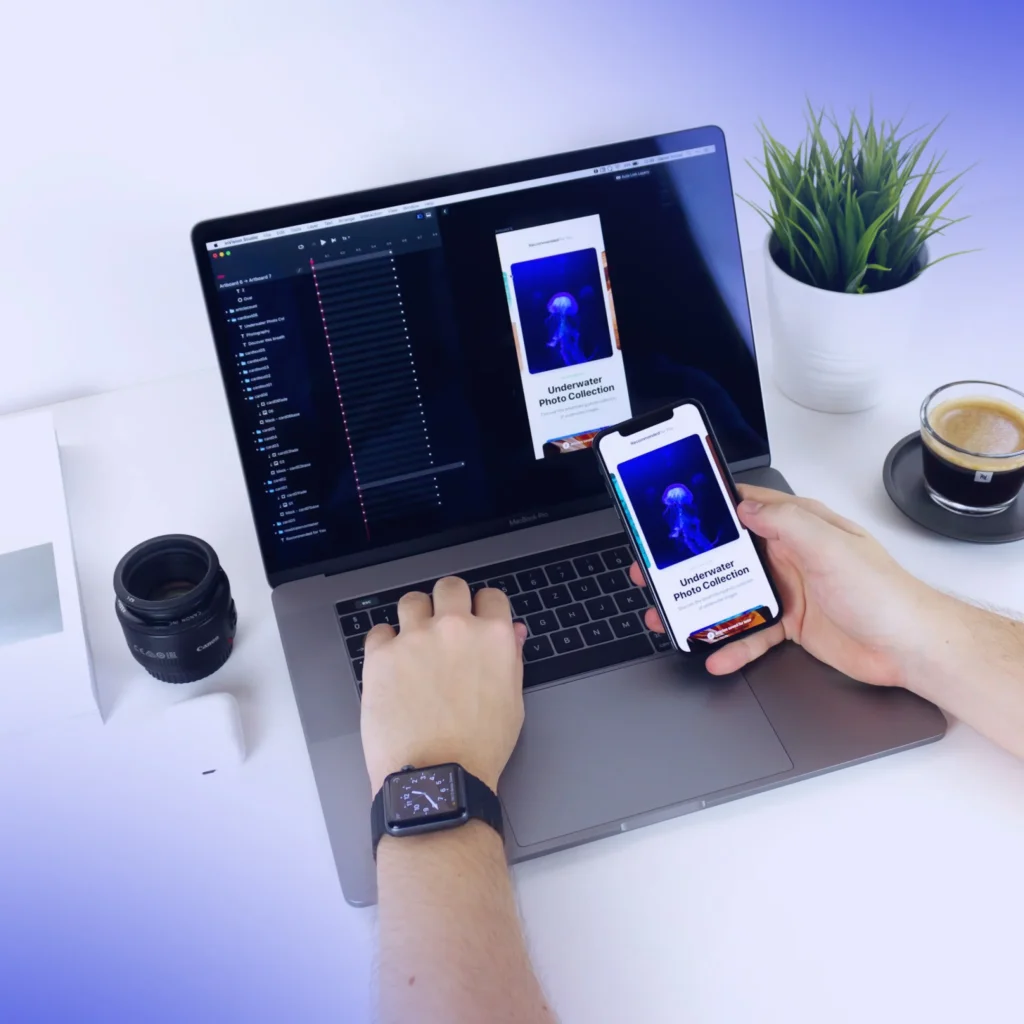
That was the first real step toward mobile apps. A few years later, Japan’s NTT DoCoMo introduced i‑mode – a platform that allowed users to download content like games, services, shopping, and news. It was the first commercial push toward what we now know as the App Store and Google Play: mobile content + access via your phone.
Since then, mobile apps have evolved from simple utilities to full-fledged products powering finance, healthcare, social media, and even public services. But with more opportunities came more complexity. Building a mobile app today isn’t just about functionality — it’s a strategic decision: which tech path to choose, how much it will cost, how quickly you can launch, and what limitations you’ll face.
Let’s explore each option.
This is still the gold standard when you need top performance, full access to device features, and maximum control over the user experience.
Native development is like a custom-made suit: expensive and time-consuming, but tailored to perfection. If your product depends on deep integration, performance, or compliance, it’s still the most robust solution.
But for many businesses looking to get to market faster, test a hypothesis, or save money, this approach may be excessive.
Flutter is a cross-platform framework by Google that allows you to build apps for both iOS and Android using a single codebase. One team builds both apps, sharing logic and UI.
It’s especially popular among startups and product teams that need to move fast and reduce costs without compromising interface quality.
Flutter is an optimal choice when speed, budget, and flexibility matter. It’s good enough for most apps, and even big companies are using it.
Just remember: you still play by the platform’s rules. And if the product faces marketplace restrictions or regulatory barriers, even the fastest Flutter won’t help it pass moderation.
PWA (Progressive Web App) is a web-based application that looks and feels like a mobile app. Users can install it to their home screen, use it offline, and receive push notifications – all through the browser, with no App Store or Google Play approval required.
It’s a way to deliver a mobile-like experience without dealing with platform restrictions.
PWA isn’t a “lite” version, it’s a different strategy. It’s especially effective when you face distribution barriers, need to launch fast, or already have a strong web product to build on.
British American Tobacco (BAT), one of the world’s largest nicotine product manufacturers, came to us with a request to create a mobile app for the 18+ category. It had to be modern, intuitive, and fully accessible via smartphones – in other words, everything you’d expect from a standard mobile service.
From the beginning, it was clear that publishing the app through traditional stores wasn’t an option. Due to marketplace rules and local regulations, submitting this type of product to App Store or Google Play was impossible.
The only realistic path was PWA. It didn’t require platform approval, allowed users to install the app to their home screen, offered all needed functionality via browser, and gave complete control over updates without going through store reviews.
The result: The client launched quickly, avoided legal risks, and delivered a full-featured mobile experience. And most importantly, they didn’t have to wait for permission to reach their audience.
This wasn’t a temporary solution or MVP, it was a deliberate technology choice, based on legal, time, and budget constraints. PWA simplified distribution, enabled global scaling, and eliminated store restrictions. The business gained a reliable mobile access channel, exactly how users expect it.
| Criteria | Native Development | Flutter | PWA |
| Codebase | Separate for iOS and Android | Single shared codebase | Single web codebase |
| Device Feature Access | Full | Almost full (depends on plugins) | Limited (browser APIs only) |
| UI/UX Quality | Maximum, native | High, near-native | Depends on implementation |
| Time to Launch | 3–6 months | 2–4 months | 2–6 weeks |
| Development Cost | Highest | Medium | Lowest |
| Updates | Through stores, delayed | Through stores | Instant, like a website |
| Moderation Required | Yes (App Store, Google Play) | Yes | No |
| Regulatory Risks | High | Same as native | Minimal, full control over distribution |
| Distribution Method | App Store / Google Play | App Store / Google Play | Direct via link, QR code, or website |
There’s no single “best” approach to mobile development. Each option has its strengths, trade-offs, and use cases. In some cases, performance and full device access matter most. In others, speed, flexibility, or regulatory freedom drive the decision.
At IWIS we don’t push fixed solutions. We match the right approach to your product’s goals, needs, and context. In the end, an app is just a bridge between your service and your users. Our job is to make that bridge as simple, direct, and efficient as possible.
We were promised a digital paradise....
Read more The Divine Comedy of the Everyday User

Business process automation: 5 things to...
Read more Web development trends for 2025: what to consider today

